Answer
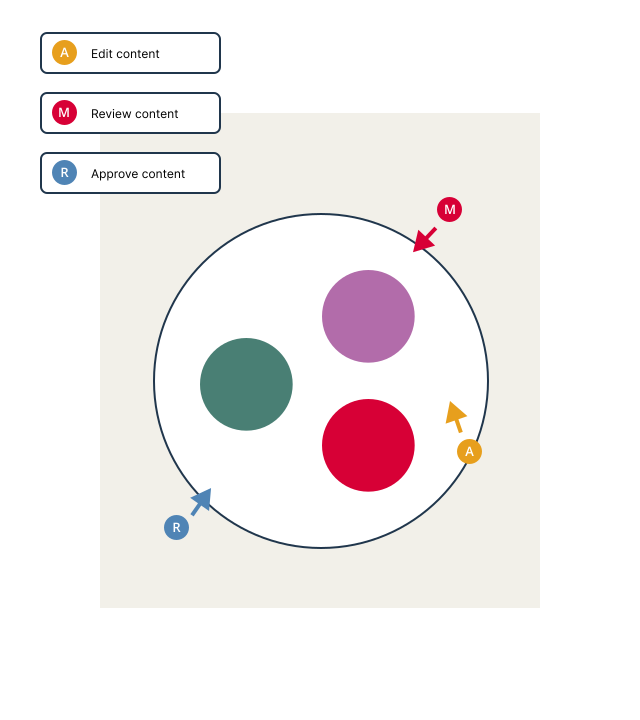
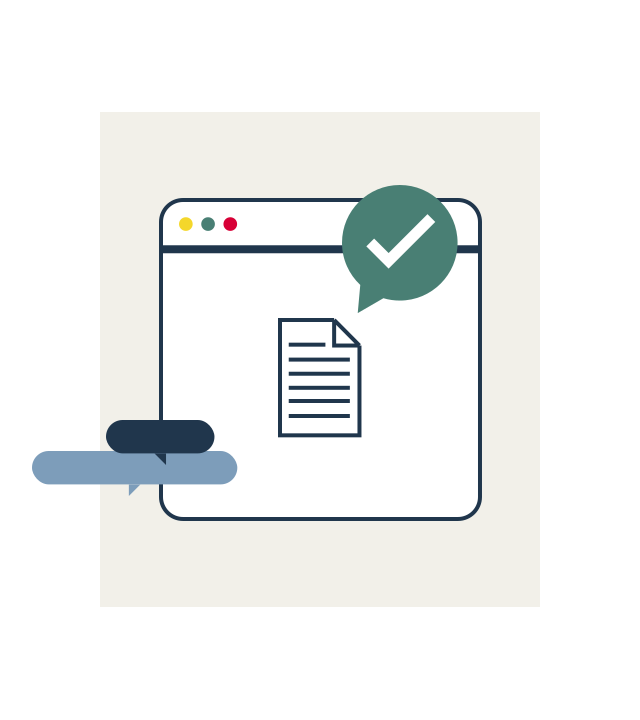
Content collaboration is a more interactive and dynamic process compared to simple file sharing. While file sharing usually involves a one-way transfer, content collaboration allows multiple team members to contribute to a document simultaneously. Real-time editing, commenting, and workflow management are some of the key features that set it apart. InDoc EDGE supports real-time collaboration through its integrated platform, making it easier for team members to work together.
Answer
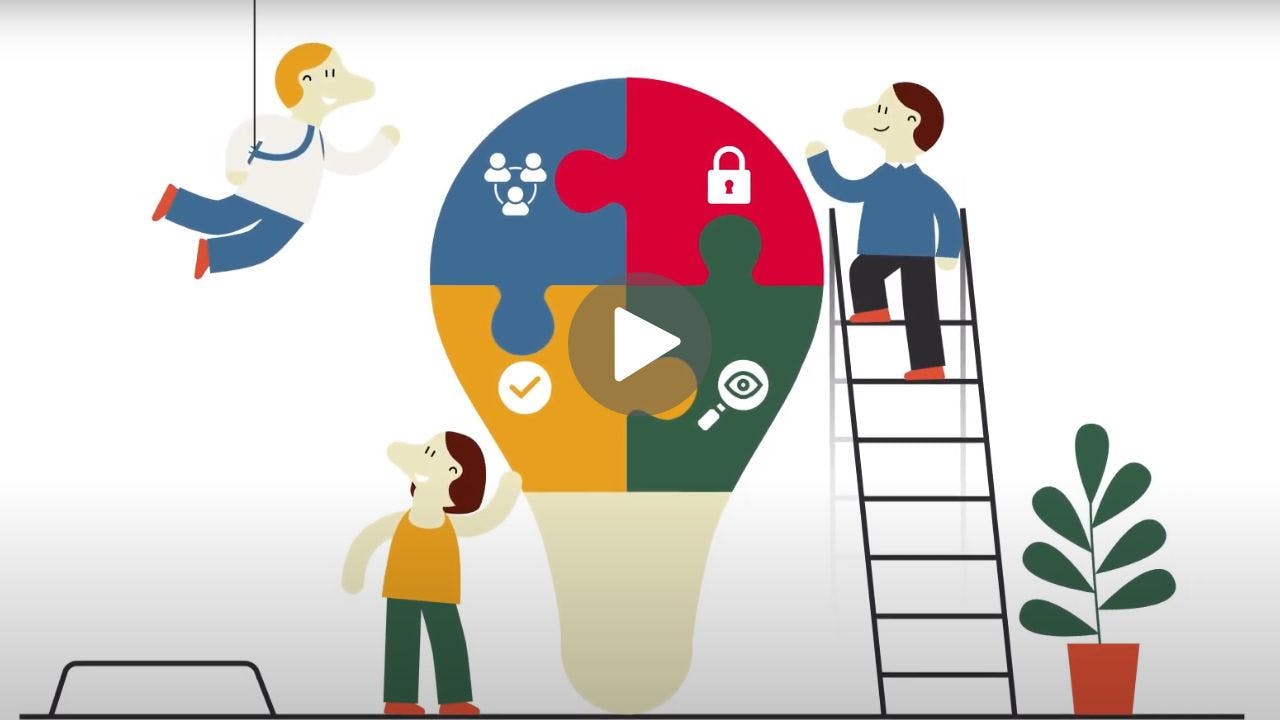
When choosing a tool for content collaboration, consider features that enhance both team collaboration and productivity. Real-time editing and version control enable multiple users to work on documents simultaneously. Robust permission settings ensure data security, while communication features like commenting provide a platform for immediate feedback and discussion. The ability to include coworkers as well as external parties into shared tasks adds another layer of flexibility. Workflow automation streamlines routine tasks, freeing up time for more complex work. Real-time updates keep everyone on the same page, reducing misunderstandings. Therefore, a tool with these features will offer a comprehensive solution for effective team collaboration and productivity.
Answer
A Document Management System (DMS) like InDoc EDGE significantly enhances collaboration by offering a centralized platform for document storage, editing, and sharing. It enables real-time editing, allowing multiple users to work on documents simultaneously, which is particularly useful for complex projects that require diverse input. The DMS also comes equipped with notification systems that keep team members updated on changes to shared documents. These features, along with workflow tools that automate routine tasks and streamline the approval process, make collaboration more efficient and effective. Overall, the DMS serves as a hub for all collaborative activities, simplifying document management and team communication.
Answer
Absolutely, setting permissions and roles is a critical step in enhancing the security of the collaboration process. Assigning different levels of access to various users ensures that sensitive information is only accessible to authorized coworkers. Customizable permission settings offer an additional layer of security, enabling you to control who can view, edit, or share specific documents. This is particularly important when collaborating with people both within and outside your organization, as it allows for a more secure and controlled sharing of information.
Answer
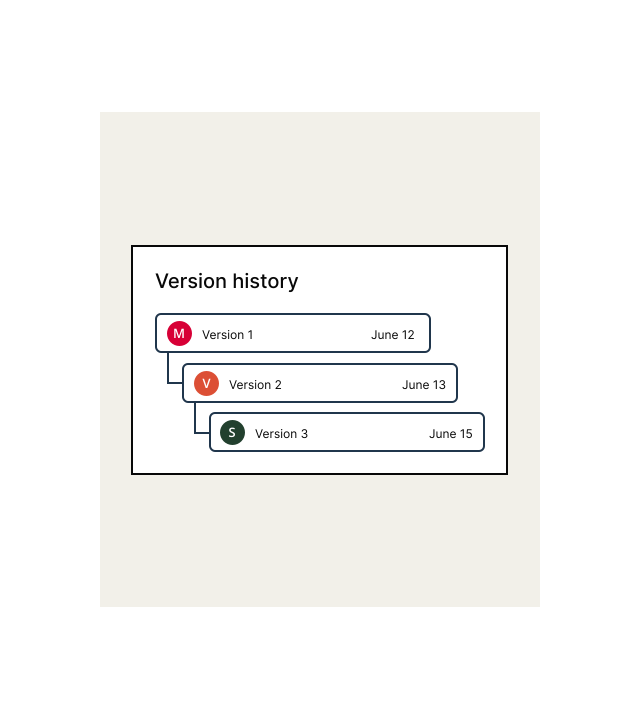
The importance of real-time updates and versioning in collaboration lies in their adaptability to various work scenarios and tasks. Real-time updates allow for parallel collaboration, enabling team members to co-author documents and make immediate changes that are visible to everyone involved. This is particularly useful in fast-paced environments where quick decision-making is essential. On the other hand, versioning facilitates a sequential approach, allowing team members to work on tasks at their own pace while still maintaining a history of changes. This is especially useful for projects that require careful review and approval processes. The availability of both parallel and sequential collaboration options provides teams with the flexibility to tailor their approach based on the specific requirements of their tasks.
Answer
Mobile access in content collaboration offers the advantage of flexibility and accessibility, allowing team members to contribute to projects from virtually anywhere. This is particularly beneficial in today's diverse work environments, which often include remote and hybrid work setups. With mobile access, you can review documents, provide feedback, and even make edits while on the go, ensuring that work progresses smoothly even when you're away from your desk. It also enables quick responses to urgent requests or changes, thereby improving the overall efficiency and responsiveness of the team. In essence, mobile access extends the collaborative workspace beyond the confines of the office, making it easier for teams to stay connected and productive.
Answer
Ensuring data security during content collaboration involves implementing multiple layers of protection, such as two-factor authentication for external parties and encryption. Robust permission settings are also crucial for safeguarding sensitive information. For compliance, features like audit trails and data retention policies are often employed to meet regulatory requirements. These measures collectively make content collaboration a secure and compliant process, suitable for handling sensitive data and adhering to industry standards.